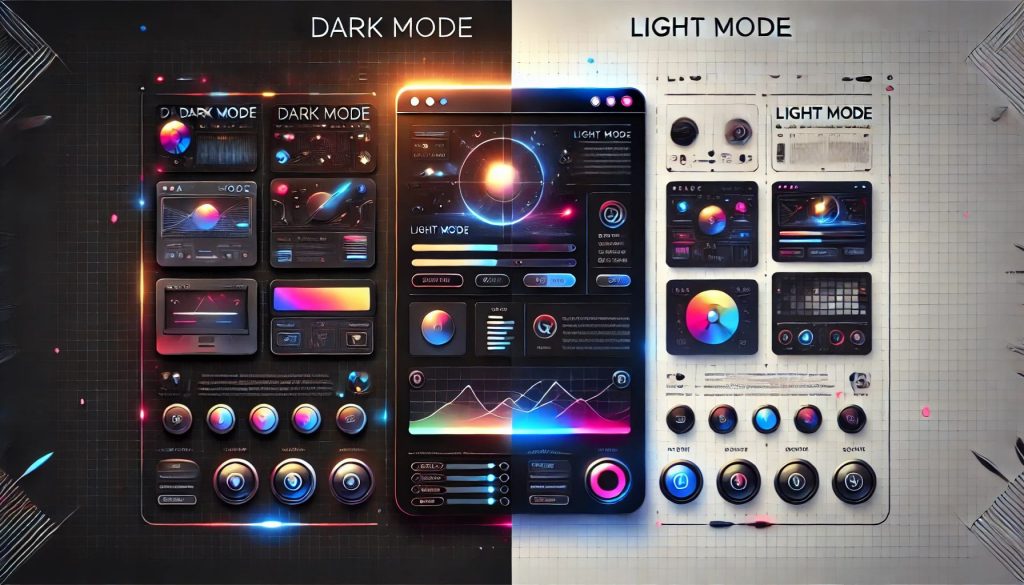
Dark mode and light mode have become key considerations in web design, impacting user experience, aesthetics, and accessibility. While some users prefer the sleek and modern feel of dark mode, others find light mode more readable and traditional. But which one is better for your website? Let’s explore the advantages and drawbacks of both.
What is Dark Mode and Light Mode?
- Dark Mode: Uses a dark background with light-colored text, reducing screen brightness.
- Light Mode: Features a light background with dark text, offering a classic and widely used design.
Each mode has its own benefits, depending on factors like audience preference, usability, and website goals.
Benefits of Dark Mode
Reduces Eye Strain in Low Light
Dark mode is easier on the eyes, especially in dim environments. It minimizes blue light exposure, reducing eye fatigue.
Saves Battery Life on OLED Screens
Devices with OLED or AMOLED screens benefit from dark mode as it consumes less power, extending battery life.
Gives a Modern & Stylish Look
Many users find dark mode visually appealing, creating a sleek and premium feel for websites and apps.
Enhances Focus on Content
For platforms with lots of visual content (like images, videos, or coding interfaces), dark mode helps users focus better.
Drawbacks of Dark Mode
- Not Ideal for Bright Environments: Dark backgrounds can be harder to read in well-lit settings.
- Can Reduce Readability for Long Text: White or light-colored text on a dark background may strain the eyes over time.
- Not Universally Preferred: Some users find dark mode difficult to adjust to, especially for reading-intensive content.
Benefits of Light Mode
Better Readability in Most Cases
Black text on a white background offers the best contrast, making it easier to read long-form content.
Works Well in Bright Environments
Light mode performs well in daylight or well-lit conditions, reducing glare and improving visibility.
Familiar and Widely Accepted
Most users are accustomed to light mode, making it the default for many websites and applications.
Drawbacks of Light Mode
- Can Cause Eye Strain in Low Light: Excessive brightness at night may lead to discomfort or fatigue.
- Higher Battery Consumption on OLED Screens: White backgrounds require more power compared to dark ones.
Which One is Better for Your Website?
There’s no one-size-fits-all answer—it depends on your audience and website type. Here’s how to decide:
✅ Choose Dark Mode If:
- Your website focuses on visuals (e.g., photography, video, coding).
- You want a modern, stylish design.
- Your users prefer a low-light experience.
✅ Choose Light Mode If:
- Your website is text-heavy (e.g., blogs, news, educational content).
- Your audience browses in well-lit environments.
- You want a more traditional and widely accepted look.
Best Practice: Offer Both with a Toggle Option
Many websites and apps now provide users the flexibility to switch between dark and light modes. This enhances user experience by catering to individual preferences.
Final Thoughts
Dark mode and light mode each have their strengths, but the best choice depends on your website’s purpose and audience. If possible, offering both modes is the ideal solution, ensuring a seamless and personalized browsing experience.
Need help implementing dark or light mode on your website? Let IT MZ design the perfect experience for your users! 🚀